Snapeek
A downloadable tool for Windows
Lightweight, ultra-fast, and unrestricted.
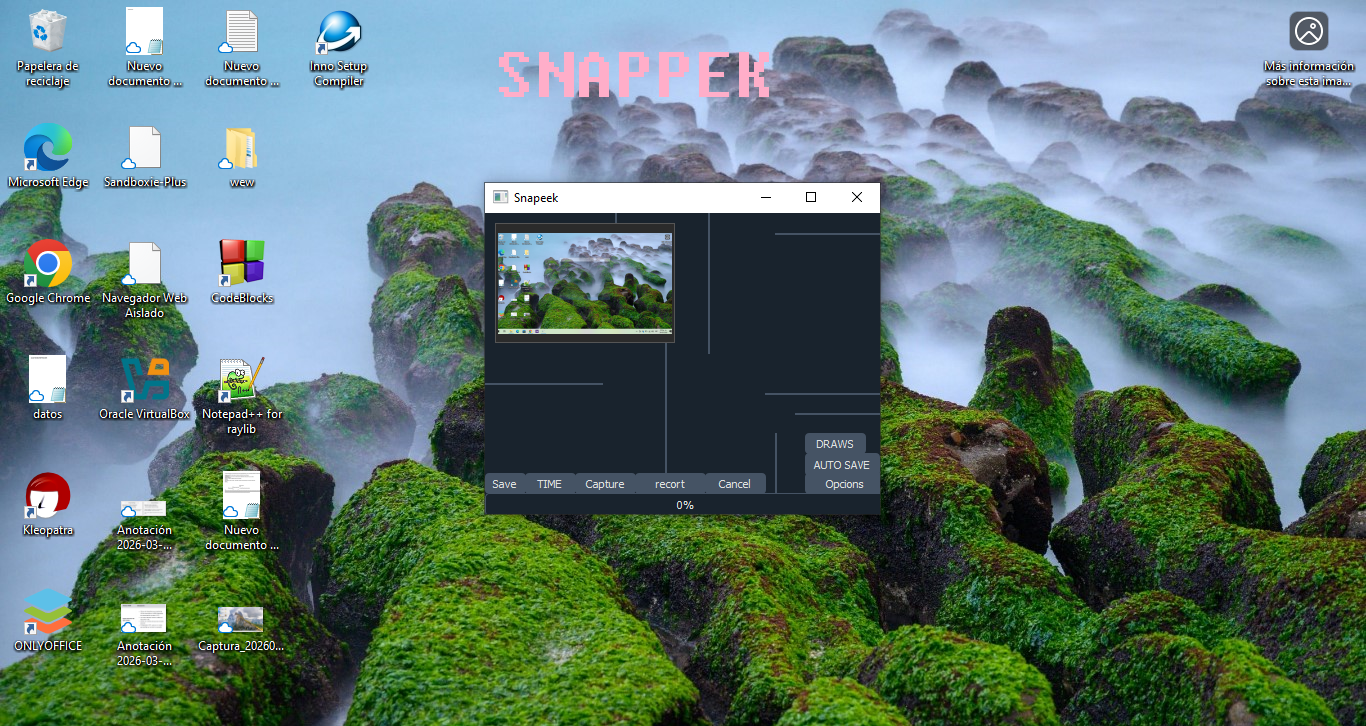
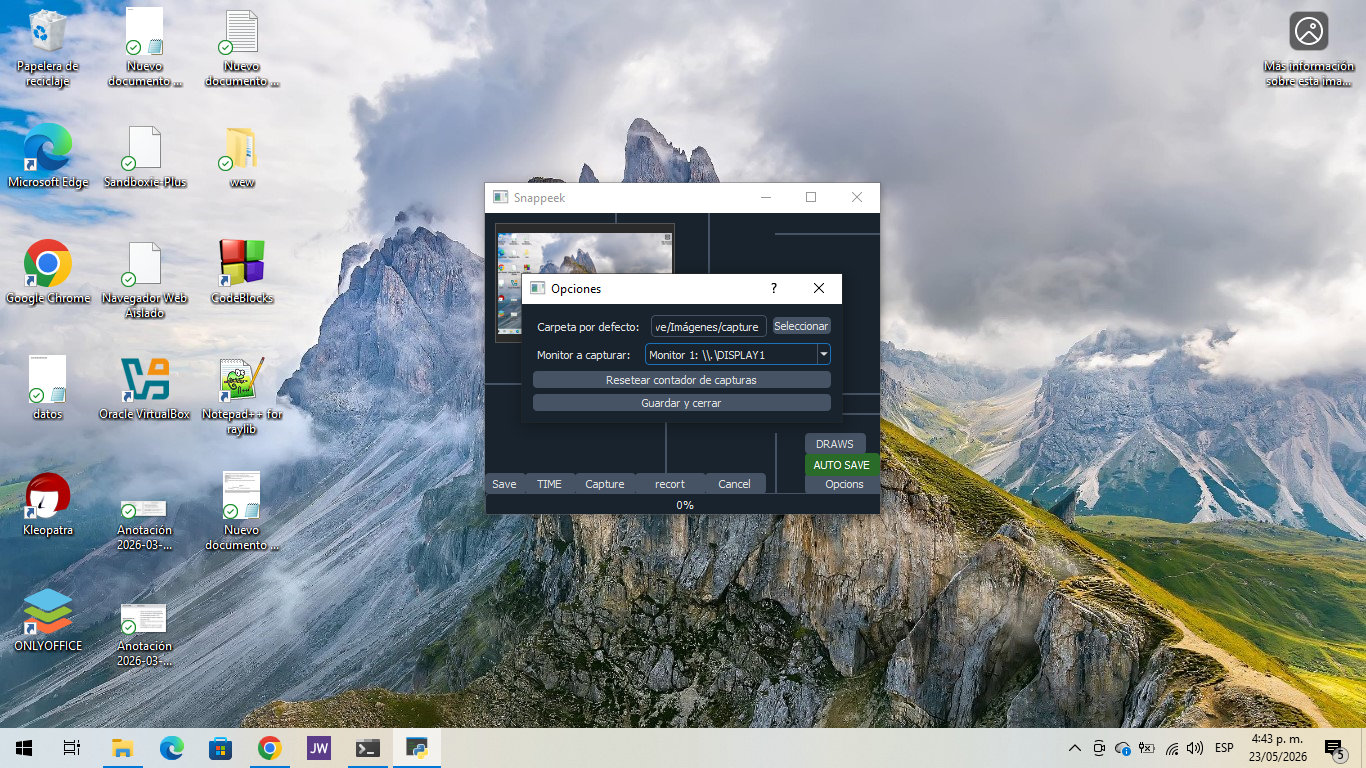
SnapPeek is a high-performance screen capture tool for Windows that breaks through the limitations of traditional software. Developed in Python and compiled to native C for optimal performance, it combines an extremely compact interface with a powerful engine capable of capturing your screen in just 0.12 ms.
Optimized for immediate productivity: no heavy loading screens, no confusing configurations, and a unique engine that bypasses capture restrictions on websites and apps that actively block native system functions.
Key Features:
Ultra Speed (0.12 ms): Native-level performance thanks to an optimized core, enabling instant captures with zero freezing.
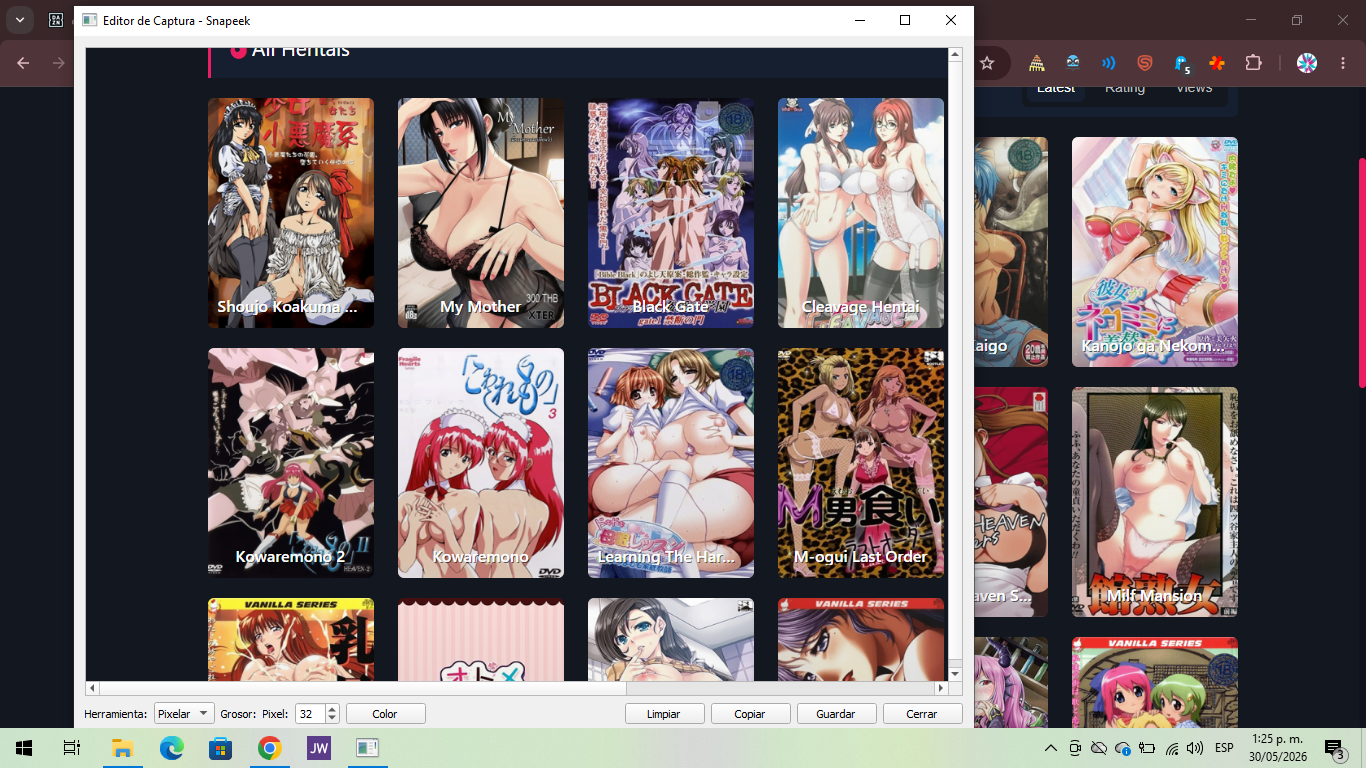
Restriction Bypass: Specifically engineered to capture screens on platforms that block conventional Windows screenshot methods.
Zero-Friction Workflow: Open, capture, save. No unnecessary menus or complex setup. Built to get straight to the point.
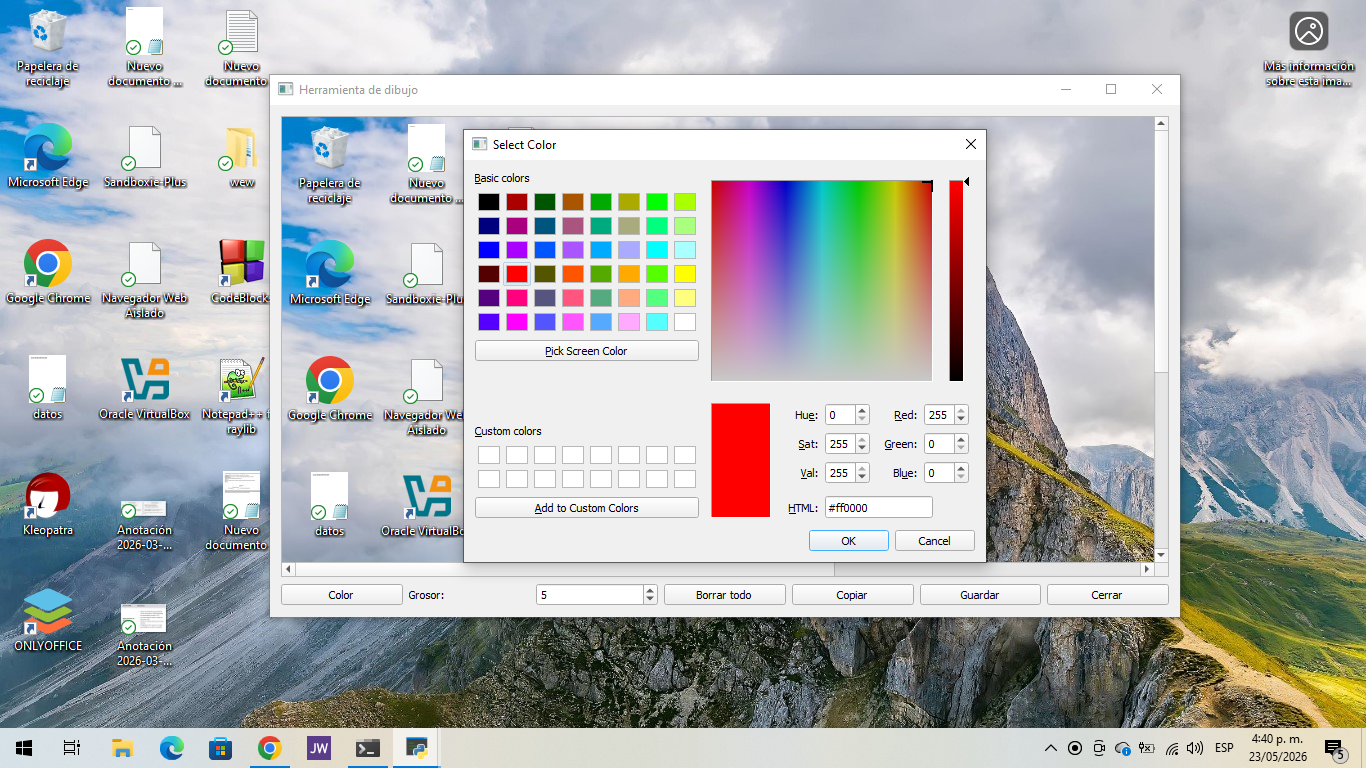
Live Annotation: Draw, highlight, and add notes directly on your capture in real-time before saving.
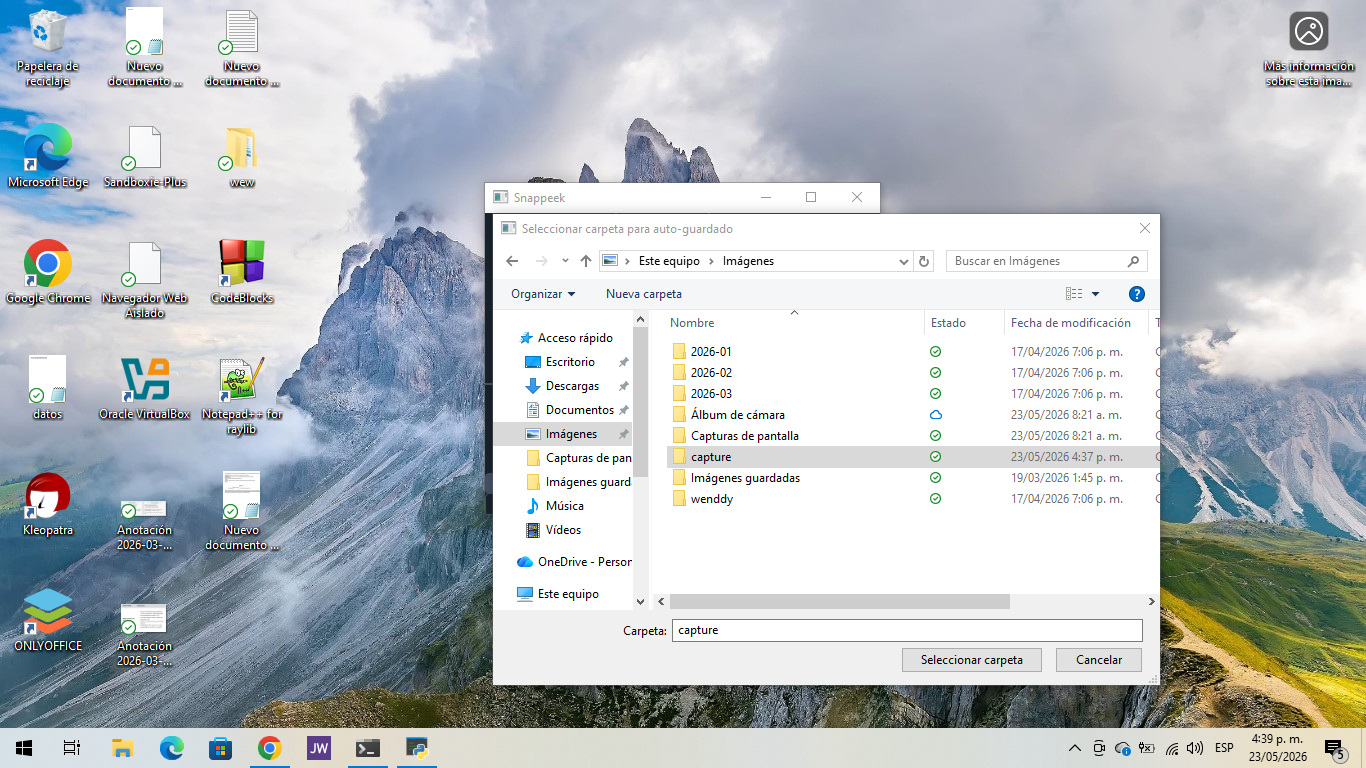
Quick Crop & Instant Save: Drag to select your exact area and export to your local drive with a single click or shortcut.
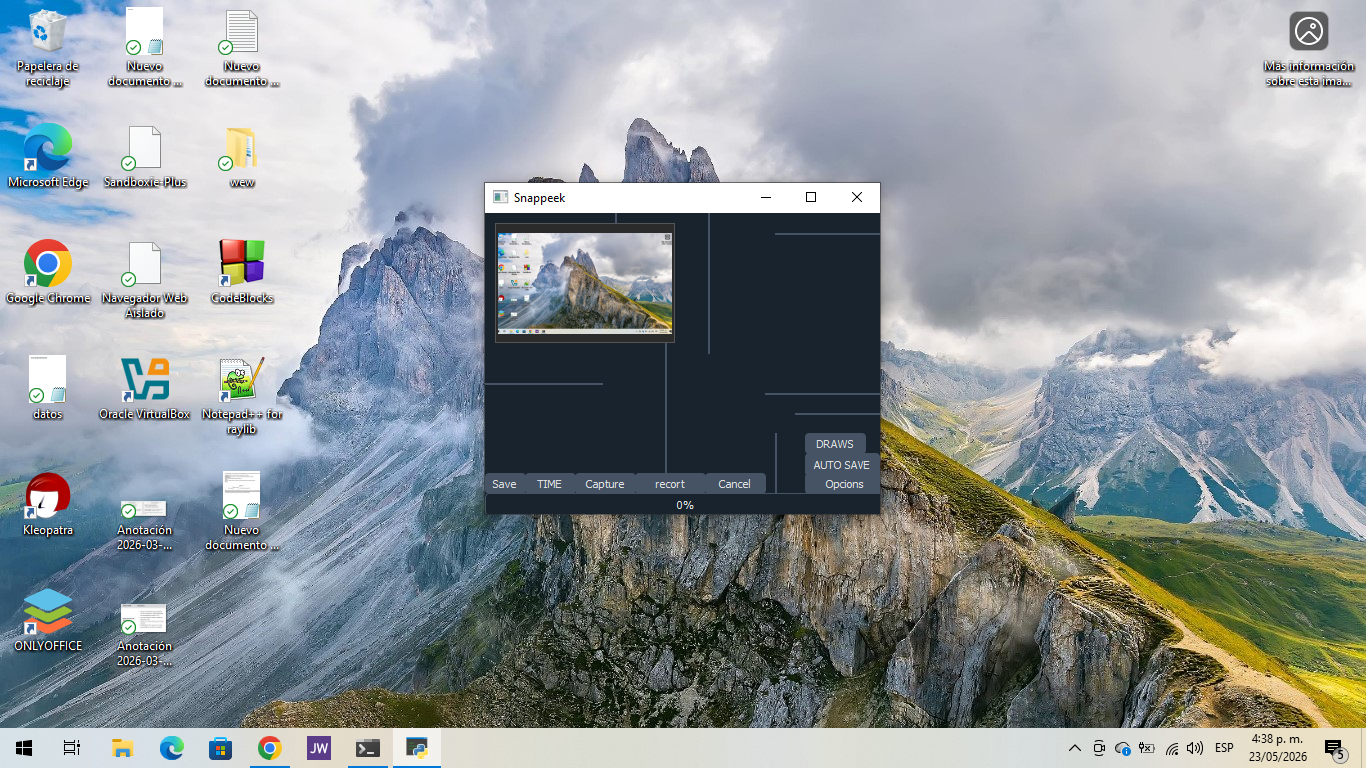
Minimalist Dark GUI: Clean, resource-efficient interface that stays out of your way.
Requirements & Installation:
To keep the executable clean, lightweight, and highly compatible, SnapPeek only requires two base dependencies to deploy its graphical interface and visual theme:
pip install PyQt5 qdarkstyle Pillow nuitka zstandard
# or
pip install PyQt5 qdarkstyle
# or
py -m pip install PyQt5 qdarkstyle
# or
python -m pip install PyQt5 qdarkstyle
Who is SnapPeek for?
SnapPeek is ideal for developers, researchers, students, and professionals who need a reliable, no-nonsense tool to capture, annotate, and save screenshots instantly, regardless of web or app restrictions.
Security, Signatures & Community Support:
SnapPeek is fully functional and safe to use. Both the application and its installer are properly signed. As with many independent compiled tools, Windows SmartScreen or third-party antivirus software may initially prompt a security warning due to heuristic scanning. These prompts are temporary and will naturally clear as more users download, install, and run the program, helping establish a trusted reputation. Simply by opening and using SnapPeek, you actively support its growth and long-term stability. Thank you for being part of the community!
Technical Notes:
Python Version Compatibility:
Stable & Recommended: Python 3.10 and 3.12. Fully supported by PyQt5 and Nuitka; ensures smooth compilation and runtime performance.
Experimental/Unstable: Python 3.14. Early support phase for Nuitka and PyQt5. You may encounter compilation warnings or unexpected behavior. Switch to 3.12 if stability is critical.
Antivirus & Windows Defender Notice:
False Positives: The standalone executable is compiled with Nuitka, bundling all dependencies into a single binary. Modern AV engines often flag packed binaries heuristically. The software is completely safe and contains no malware.
Performance Impact: Real-time scanning can intercept screen-capture hooks and file-write operations, causing lag, dropped frames, or save errors.
Recommendation: Add SnapPeek.exe (or its installation folder) to your AV/Windows Defender exclusion list. Disabling your antivirus entirely is unnecessary.
Technical Context:
New Python releases modify internal bytecode and C-API structures. Compilers (Nuitka) and GUI frameworks (PyQt5) require time to fully stabilize support.
Standalone compiled binaries trigger heuristic AV scans due to direct screen access, rapid I/O, and packed dependency structures. Whitelisting guarantees uninterrupted functionality.
For best results: compile with Python 3.10-3.12, keep AV active but whitelisted, and distribute the full .dist folder.
Purchase
In order to download this tool you must purchase it at or above the minimum price of $2.07 USD. You will get access to the following files:


Leave a comment
Log in with itch.io to leave a comment.